

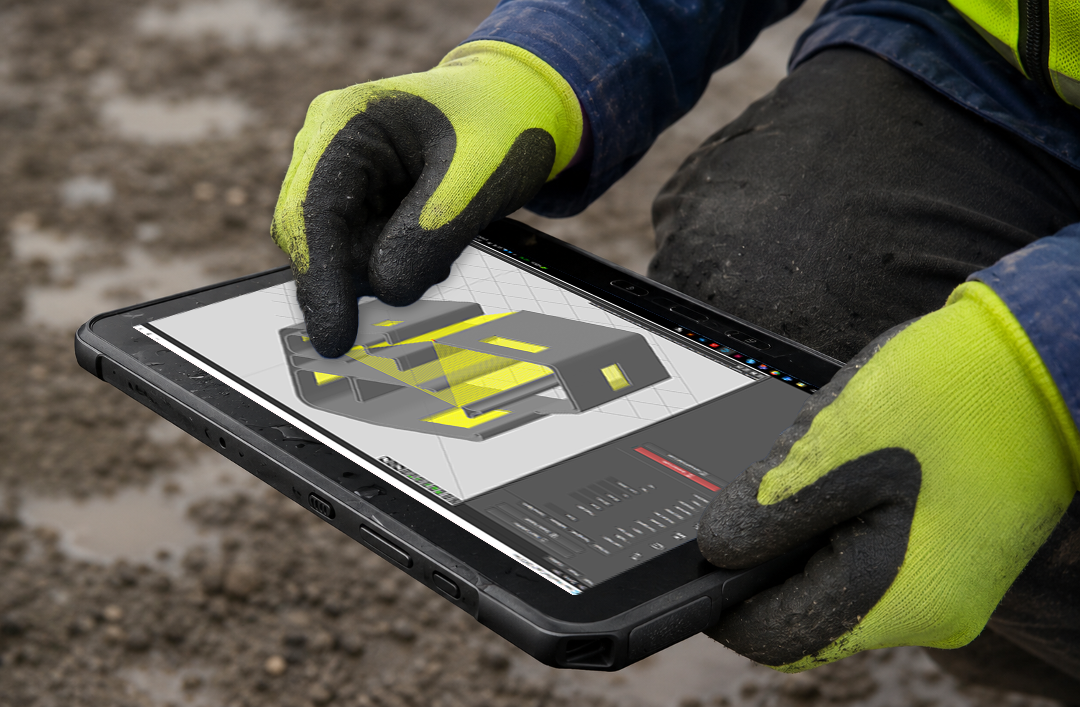
CAD to Printpath
Your CAD file, print-ready in minutes. COBOD Slice turns any CAD or BIM file into precise, layer-by-layer print paths, then runs flow, movement, and timing in real time. No coding, just say what you want and Slice writes the script. Now powered by AI for even wider possibilities.
What are COBOD Slice Key Features?
Design Conversion
Automatically translates digital building blueprints into precise robot movement paths without manual programming.
File Compatibility
Works with standard engineering formats like .STP
Project Estimates
Analyzes uploaded digital models to calculate estimated print times, layer heights, and material requirements.
Operator Training
Taught through structured learning modules during official printer setup and customer onboarding.
Downloading Instructions
There are two types of licenses available: for the License Manager (the one assigning licenses inside your team) and for Assigned Users (once your license manager has provided you with one) please see specific instructions for each case below:
License Manager
Each customer chooses a License Manager. This person gives out licenses for each program in the Software Suite to your team. They can add, activate, remove, or delete users at any time
STEP 1: As soon as your purchase is confirmed, you will receive an email from License Spring with a user name, a temporary password and a link similar to the below that will take you to our COBOD License Manager Portal https://licenses.cobod.com
STEP 2: Log in and identify the section Licenses in the left menu, click in Product (COBOD Slice) > License Users > Assign License Users and add your email first.
STEP 3: Click License Details and scroll down until you see Download. You are all set up to start exploring the program now.
Assigned User
If your team has already appointed a License Manager, this administrator will link your work email to a license for each program in the Software Suite. Your License Manager can add, activate, remove, or delete your account at any time. If a license stops working, contact them first, since changes may have been made there.
STEP 1: Once your License Manager assigns you access you will receive an email from License Spring with a user name, a temporary password and a link similar to the below that will take you to our COBOD License Manager Portal https://licenses.cobod.com
STEP 2: Log in and identify the section Licenses in the left menu, click in Product (COBOD Slice), identify License details and scroll all the way down in order to Download the program. You are all set up to start exploring the program now!
Manage everything in one place
Silver and Gold Care Packages include automatic access to the Software Suite.
COBOD License Management Portal
Monitor subscriptions, activate licenses, assign them to specific team members and review usage and access all in one place. Every customer gets one Licence Manager that will be allocating licenses for team members as their team evolves from project to project.
Need additional help?
Once your team has a Licence Manager and they have activated your profile, you will receive an email with further instructions to download the software. Use the setup guide below to activate COBOD Slice, or contact our technical support team if your have further doubts.
Software Updates
Our programs are updated regularly to fix bugs, improve performance, refine the design, or add features. When a new version is ready, a pop-up will appear as you start a session.
Note: the main version number usually stays the same, while the decimals track our internal updates. So even if the main number hasn’t changed, updates have still been made.
Video Tutorials
The following session contains 9 short tutorial videos on how to use COBOD Slice, if you would like content created in specific features or commands that remain unclear, please reach out to techsupport@cobod.com
Watch COBOD Slice Workshop 2025
In this workshop, Michael, COBOD’s Chief Innovation Officer, walks through the latest COBOD Slice updates, from new pathfinding and phase tools to the integrated Nozzle Builder and a new scripting engine for advanced G-code manipulation. For questions on specific features, reach out to techsupport@cobod.com.